Choosing a POS Booking System Doesn't Have to Be Confusing or Risky.
Instead of trying to piece together bookings, payments, and staff shifts across disconnected tools, get a clear practical framework for choosing a system that supports how your business actually runs.
No credit card required • Zero sales pressure • Instant download
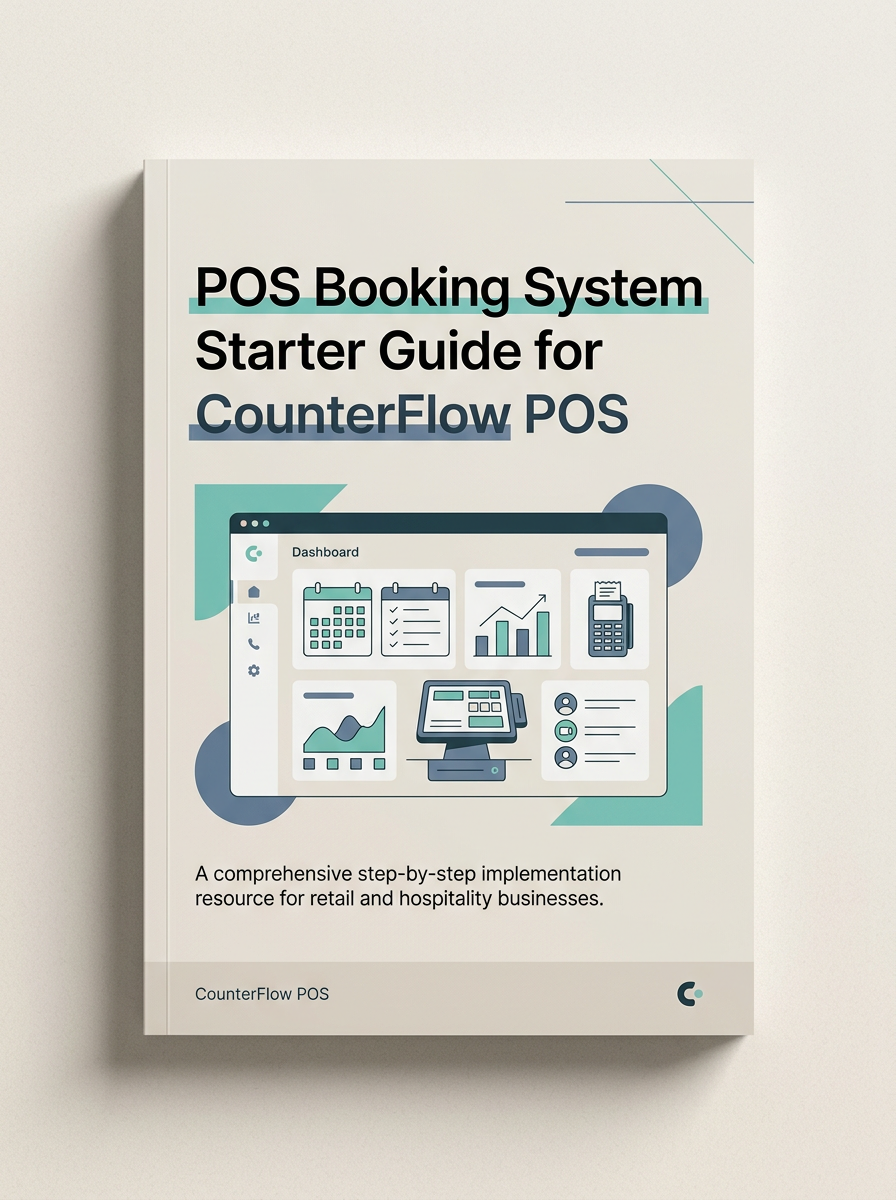
Quick-Start PDF Guide
Evaluation Worksheets & Checklists Included
Targeted Operational Guidance
Built for Businesses Running Real-Time Bookings and Onsite Checkout
If you manage appointments, client schedules, and daily payments, juggling disconnected tools eats away at your revenue and peace of mind.
Salon & Spa Operators
Struggling with double-booked appointment slots, deposit collection, and tracking individual staff commission percentages at checkout.
Restaurants & Cafes
Needing table reservation flow aligned directly with counter payment hardware, split billing, and fast peak-hour processing.
Service Retailers
Combining retail inventory sales with scheduled consultation services, repair bookings, or custom work order tracking.
Boutique Fitness & Clinics
Managing recurring client rosters, practitioner calendars, and automatic reminder notifications without manual intervention.
Tired of switching between 3 different software dashboards?
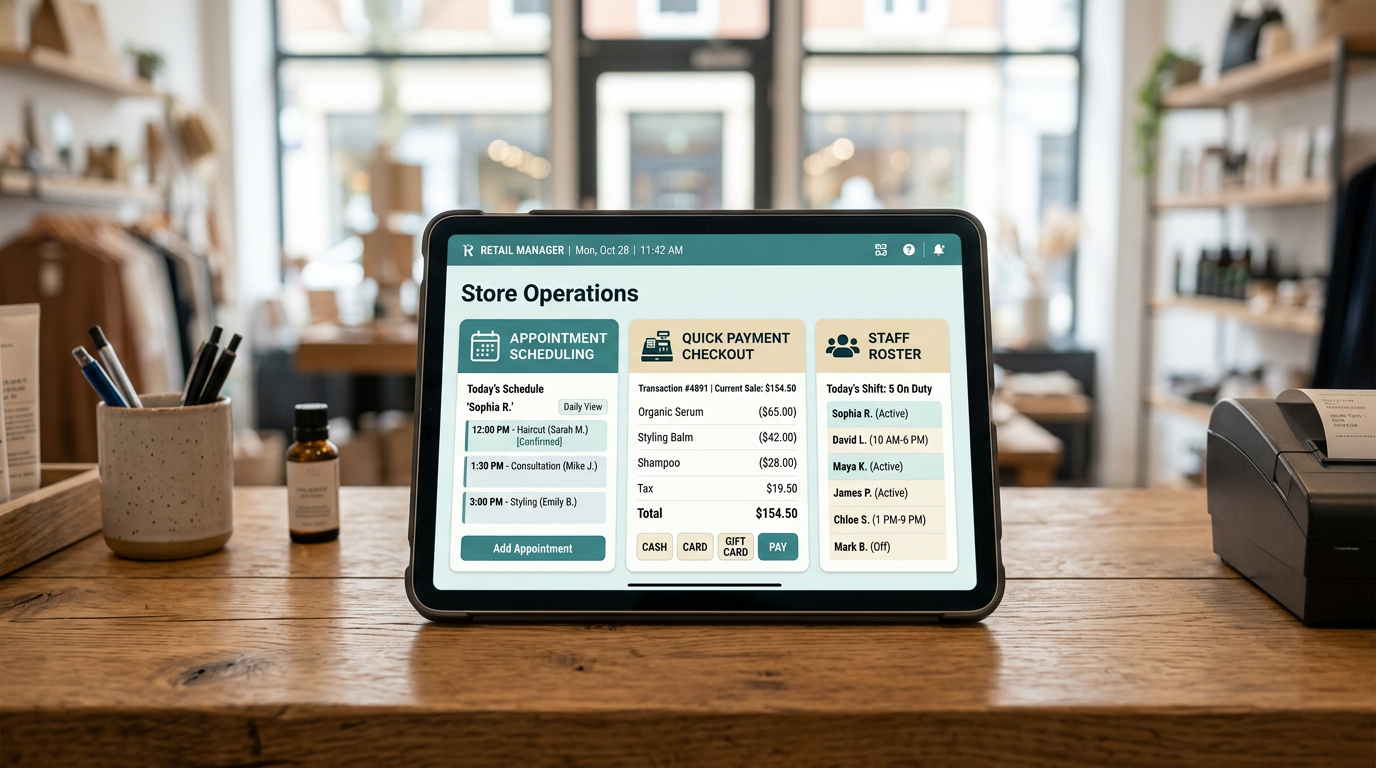
When booking software, card terminal payments, and staff schedules don't talk to each other, errors happen, staff gets frustrated, and customers experience delays. This starter guide gives you the blueprint to simplify it all.
Tangible Offer Components
What You Get Inside the POS Booking Starter Toolkit
A concise, practical quick-start guide built to give you total decision clarity in less than 30 minutes of reading.
1. Feature Evaluation Checklist
Identify which features are non-negotiable for your specific business model vs. expensive add-ons you will never use.
2. Payment Fee & Processing Breakdown
A straightforward math formula to calculate hidden transaction fees, monthly software subscriptions, and hardware costs.
3. Daily Staff Workflow Map
Step-by-step layout showing how online bookings, deposit locks, in-person check-in, and end-of-day register closure fit together.
4. Common Setup & Migration Mistakes to Avoid
Prevent customer data loss, booking downtime, and merchant account delays during software installation or transition.
Concrete Outcomes
How Your Daily Operations Shift After Applying This Framework
Instead of feeling overwhelmed by software comparisons, move forward with clarity and confidence.
Creates Clarity Around What Features Actually Matter
You will instantly recognize which tools genuinely streamline customer checkout and staff scheduling versus flashy gimmicks that inflate your monthly invoice.
Reduces Time Wasted Comparing the Wrong Tools
Stop sitting through generic software sales demos. Use our structured evaluation matrix to filter out unsuitable POS platforms in minutes.
Helps Prevent Avoidable Setup & Workflow Mistakes
Avoid booking conflicts, missed client deposits, and card reader disconnects by following a tested implementation path from day one.
Builds Confidence Before Committing to a System
Make an informed operational choice backed by business logic rather than high-pressure software sales tactics.
Clear Answers
Frequently Asked Questions
Everything you need to know before grabbing your copy of the guide.
Get Your Free POS Booking System Starter Guide
Take the first low-commitment step toward smoother appointments, unified payment checkout, and stress-free daily operations.
Where should we send your guide?
Fill in your details below for instant access.